Creating effective prompts is the secret sauce to generating high-quality AI visuals, especially for competitive platforms like YouTube. Here is a summary of the core principles to master your prompt engineering.
The Anatomy of a Winning Prompt
A great prompt isn't just a sentence; it’s a set of specific instructions. To get the best results, use this professional structure:
The Subject: Clearly define who or what is the star of the image.
Emotion & Action: Describe what the subject is doing or feeling (e.g., "amazed," "screaming," "typing intensely").
Environment & Lighting: Set the mood. Use terms like "cinematic lighting," "neon glow," or "natural sunlight."
Technical Quality: Always include quality benchmarks like "8k resolution," "hyper-realistic," or "sharp focus."
The Winning Formula: > [Subject] + [Emotion/Action] + [Lighting/Style] + [Background Details] + [Technical Specs].
Design Secrets for High-CTR Thumbnails
Visuals for YouTube require a different approach than standard art. To stop the scroll, keep these three rules in mind:
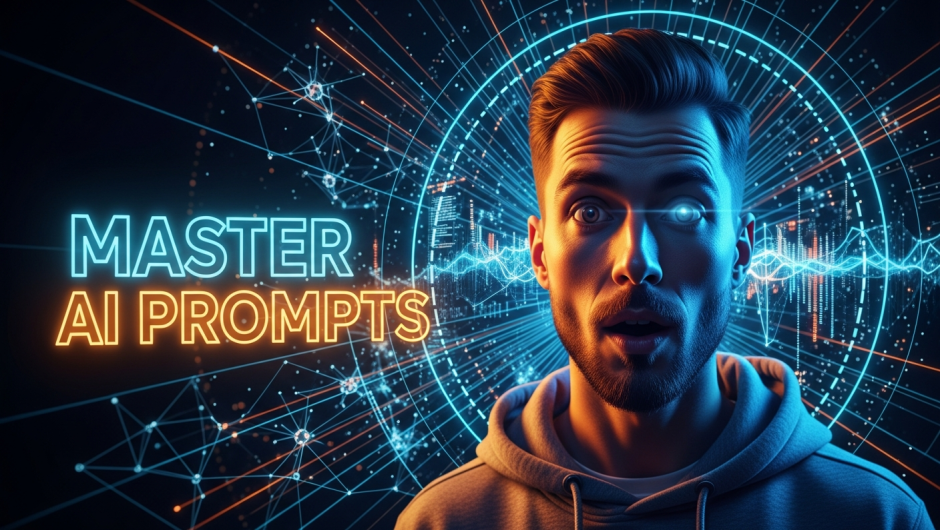
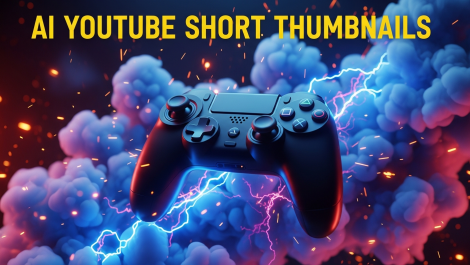
High Contrast: Use complementary colors (like blue and orange) to make the image "pop" against the platform’s white or dark mode.
The Rule of Thirds: Place your subject to the left or right. This creates a "focal point" and leaves enough negative space for your text overlay.
Exaggerated Expressions: On small mobile screens, subtle emotions get lost. Ask the AI for "extreme" or "vivid" facial expressions to grab attention instantly.
Claim your 10 free thumbnails today!